
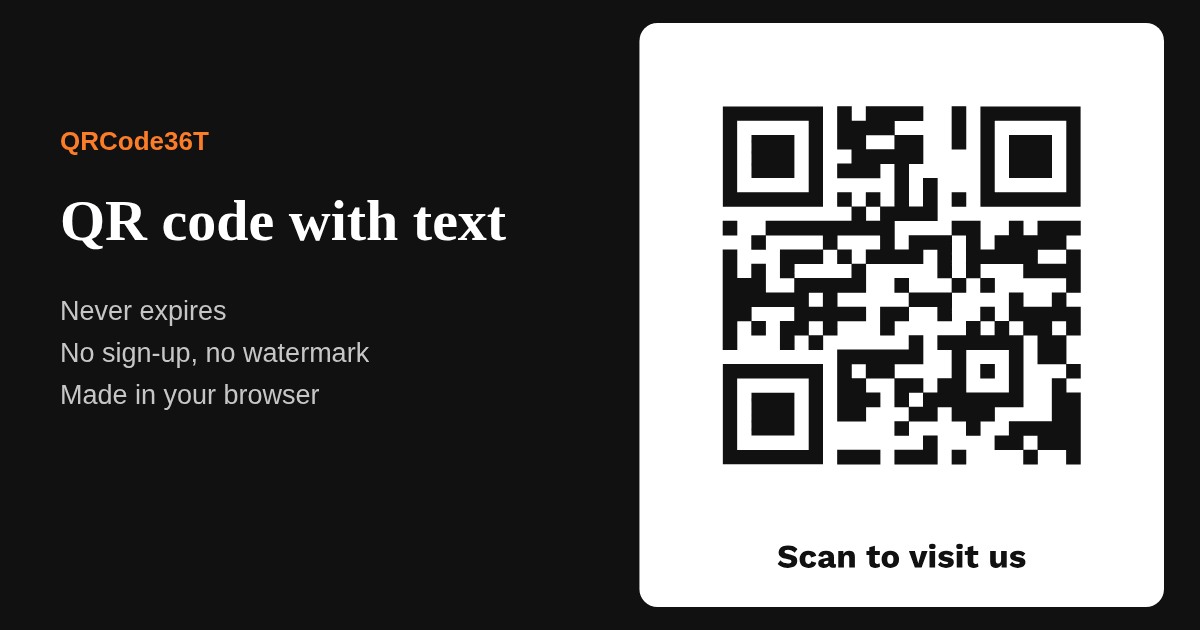
How to make it
- Type your content, then open the Text panel.
- Write the caption and choose a position, or drag it on the preview.
- Set font, size, color, box, outline or shadow.
- Add as many captions as you need and download.
What people use it for
- “Scan for the menu” table cards
- Price tags and shelf labels
- Instructions on equipment
- Name and phone under a business code
Design tips
- Short, action words work best.
- The canvas grows to fit outside captions, so they never sit on the code by accident.
- If you place words over the code, check the scan status.
Where text can go
| Option | Good for | Keep in mind |
|---|---|---|
| Outside the code | Safest, any length | Makes the image taller or wider |
| Center, over the code | Short words such as MENU | Covers data: keep it small |
| Curved | Circle frames and badges | Best for one short line |
Print size guide
| Where | Size of the code | Scanning distance |
|---|---|---|
| Business card, label | 2 × 2 cm | up to 20 cm |
| Table card, flyer | 3 × 3 to 4 × 4 cm | 30–40 cm |
| Poster | 10 × 10 cm | about 1 m |
| Window or banner | 25 × 25 cm | about 2.5 m |
Static codes and your privacy
A static QR code holds the information itself: it never expires, needs no account and nobody can count or redirect its scans. QRCode36T draws it in your browser. What you type is not uploaded; we record only anonymous usage such as which content type and file format were chosen. Privacy details.
Frequently asked questions
Does the text work in Arabic or Urdu?
Yes. Arabic and Urdu are shaped correctly, with Noto fonts.
Is text kept in SVG files?
Yes, as real text. Choose “SVG, text as shapes” for printers that need outlines.
Do these QR codes expire?
No. The information is inside the code itself. There is no redirect link, account or subscription that could stop working.
More QR tools
- QR code generator
- Wi-Fi QR code
- QR code with logo
- vCard QR code
- WhatsApp QR code
- URL QR code
- Email QR code
- SMS QR code
- Location QR code
- Calendar event QR code
- Payment QR code
- Restaurant menu QR code
- Social media QR code
- Animated QR code
- QR code for print
- Bulk QR code generator
- QR code scanner