
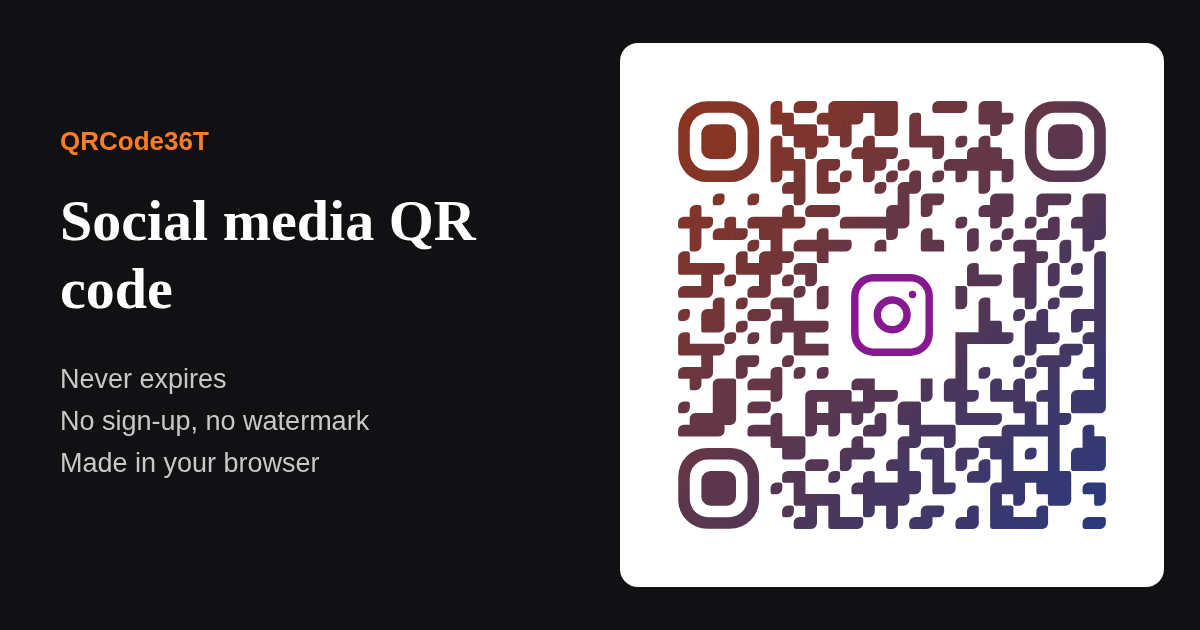
How to make it
- Choose the network.
- Type your user name or paste the profile link.
- Pick the icon and colors.
- Add “Follow us” and download.
What people use it for
- Packaging inserts
- Shop counters
- Event banners
- Vehicle signage
Design tips
- Open the link once to be sure the profile is public.
- One code per network is clearer than a crowded poster.
- Use the same style across all your codes.
Link formats
| Option | Good for | Keep in mind |
|---|---|---|
| Instagram / X | user name | No @ needed |
| TikTok / YouTube | handle | The @ is added |
| person or company | Choose the right type |
Print size guide
| Where | Size of the code | Scanning distance |
|---|---|---|
| Business card, label | 2 × 2 cm | up to 20 cm |
| Table card, flyer | 3 × 3 to 4 × 4 cm | 30–40 cm |
| Poster | 10 × 10 cm | about 1 m |
| Window or banner | 25 × 25 cm | about 2.5 m |
Static codes and your privacy
A static QR code holds the information itself: it never expires, needs no account and nobody can count or redirect its scans. QRCode36T draws it in your browser. What you type is not uploaded; we record only anonymous usage such as which content type and file format were chosen. Privacy details.
Frequently asked questions
Can one code list all my profiles?
That needs a hosted page. Make a links page on your own website and encode its address.
Do the codes expire if I rename my account?
The code keeps the old address, so make a new one after renaming.
Do these QR codes expire?
No. The information is inside the code itself. There is no redirect link, account or subscription that could stop working.
More QR tools
- QR code generator
- Wi-Fi QR code
- QR code with logo
- QR code with text
- vCard QR code
- WhatsApp QR code
- URL QR code
- Email QR code
- SMS QR code
- Location QR code
- Calendar event QR code
- Payment QR code
- Restaurant menu QR code
- Animated QR code
- QR code for print
- Bulk QR code generator
- QR code scanner