
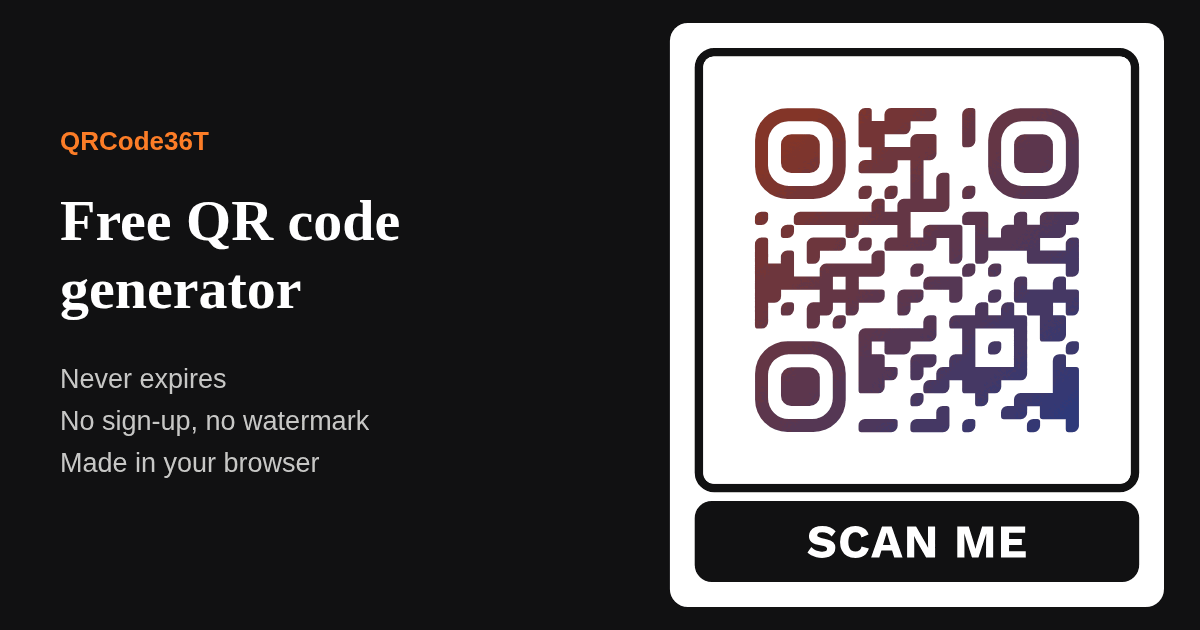
How to make a QR code
- Choose what the code should do: open a website, join Wi-Fi, save a contact and so on.
- Fill in the form; the preview updates as you type.
- Pick a template, then adjust shapes, colors, logo, frame, captions and animation.
- Check the scan status, then download the format you need.
What people use it for
- Menus, flyers and posters
- Business cards and email signatures
- Guest Wi-Fi signs
- Packaging, manuals and event tickets
Design tips
- Keep dark dots on a light background; the checker warns when contrast is too low.
- Shorter content gives bigger, easier dots.
- Always test a printed proof with a phone before ordering a print run.
What is different here
| Option | Good for | Keep in mind |
|---|---|---|
| Static code | Your data is in the code | It cannot be edited after printing |
| Redirect services | Editable later | Stops working if the account or company does |
| Made in your browser | Nothing you type is sent to us | Saved designs stay on this device only |
Print size guide
| Where | Size of the code | Scanning distance |
|---|---|---|
| Business card, label | 2 × 2 cm | up to 20 cm |
| Table card, flyer | 3 × 3 to 4 × 4 cm | 30–40 cm |
| Poster | 10 × 10 cm | about 1 m |
| Window or banner | 25 × 25 cm | about 2.5 m |
Static codes and your privacy
A static QR code holds the information itself: it never expires, needs no account and nobody can count or redirect its scans. QRCode36T draws it in your browser. What you type is not uploaded; we record only anonymous usage such as which content type and file format were chosen. Privacy details.
Frequently asked questions
Do these QR codes expire?
No. The information is inside the code itself. There is no redirect link, account or subscription that could stop working.
Is it really free?
Yes: no sign-up, no watermark and no limit on codes or downloads.
Is my data sent anywhere?
No. Your data never leaves your device: the code is drawn by your browser.
Can I use the codes commercially?
Yes. The codes you make are yours to use.
How many scans can a code take?
Unlimited. Nothing counts or limits scans.
More QR tools
- Wi-Fi QR code
- QR code with logo
- QR code with text
- vCard QR code
- WhatsApp QR code
- URL QR code
- Email QR code
- SMS QR code
- Location QR code
- Calendar event QR code
- Payment QR code
- Restaurant menu QR code
- Social media QR code
- Animated QR code
- QR code for print
- Bulk QR code generator
- QR code scanner