
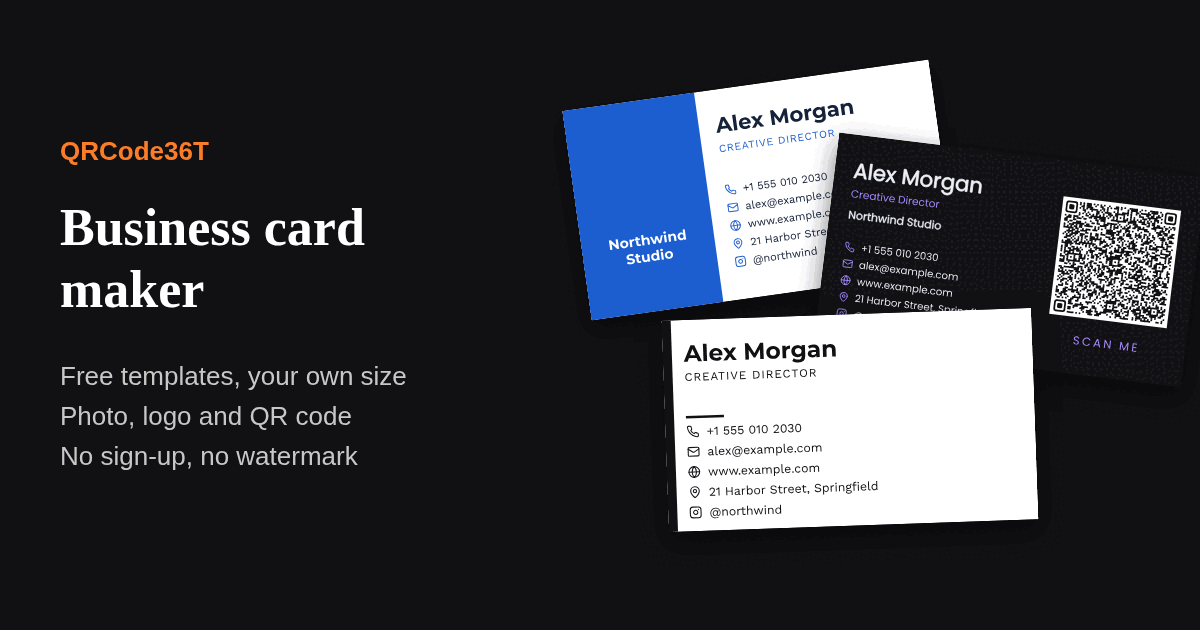
How to make it
- Pick a layout.
- Enter your name, title, company, phone, email, website and address.
- Add your logo or photo and adjust colors.
- Download a PDF with bleed for the printer, or a sheet of cards to print yourself.
What people use it for
- Company staff cards
- Freelancer and shop cards
- Cards for exhibitions and networking
- Personal calling cards
Design tips
- Standard sizes are 3.5 × 2 inches (US) and 85 × 55 mm (Europe).
- Keep body text at least 7 pt on the printed card.
- Test the QR code with a phone on a printed proof.
What to put on the card
| Option | Good for | Keep in mind |
|---|---|---|
| Name and title | Largest on the card | Skip long job titles |
| One phone and one email | Easy to scan by eye | Extra numbers add clutter |
| Contact QR code | Saves everything in one tap | Use a dark color on white |
Common card sizes
| Card | Size | Notes |
|---|---|---|
| Business card | 3.5 × 2 in or 85 × 55 mm | 90 × 50 mm in some countries |
| ID card (CR80) | 85.6 × 54 mm | Bank-card size |
| Invitation | 5 × 7 in, or A6 | Add 3 mm bleed for print shops |
| Gift voucher (DL) | 210 × 99 mm | Fits a long envelope |
| Phone story | 1080 × 1920 px | For messaging apps |
| Custom | 20 to 600 mm a side | mm, cm, inches or pixels |
Your privacy
QRCode36T builds your card inside your browser. Names, phone numbers, addresses and photos are not uploaded; we count visits with Google Analytics and record which card type, template and file format were used. Privacy details.
Frequently asked questions
What does the QR code on the card do?
It holds your contact details as a vCard. The phone offers to save them; no internet is needed.
Can I make the back side different?
Yes. Switch to Back above the preview and edit it separately.
How do I print many cards on one sheet?
Choose “PDF, many on A4 sheet” or Letter. It adds cut marks.
Can I use my own logo?
Yes. Tap the logo box, or add one from the Add tab. Transparent PNG works best.
More free tools
- QR code generator
- Wi-Fi QR code
- QR code with logo
- QR code with text
- vCard QR code
- WhatsApp QR code
- URL QR code
- Email QR code
- SMS QR code
- Location QR code
- Calendar event QR code
- Payment QR code
- Restaurant menu QR code
- Social media QR code
- Animated QR code
- QR code for print
- Bulk QR code generator
- QR code scanner
- Card maker
- Wedding invitation maker
- Invitation card maker
- Birthday card maker
- Eid card maker
- Greeting card maker
- ID card maker
- Gift voucher maker