
How to make it
- Pick an upright badge, wide badge or name badge.
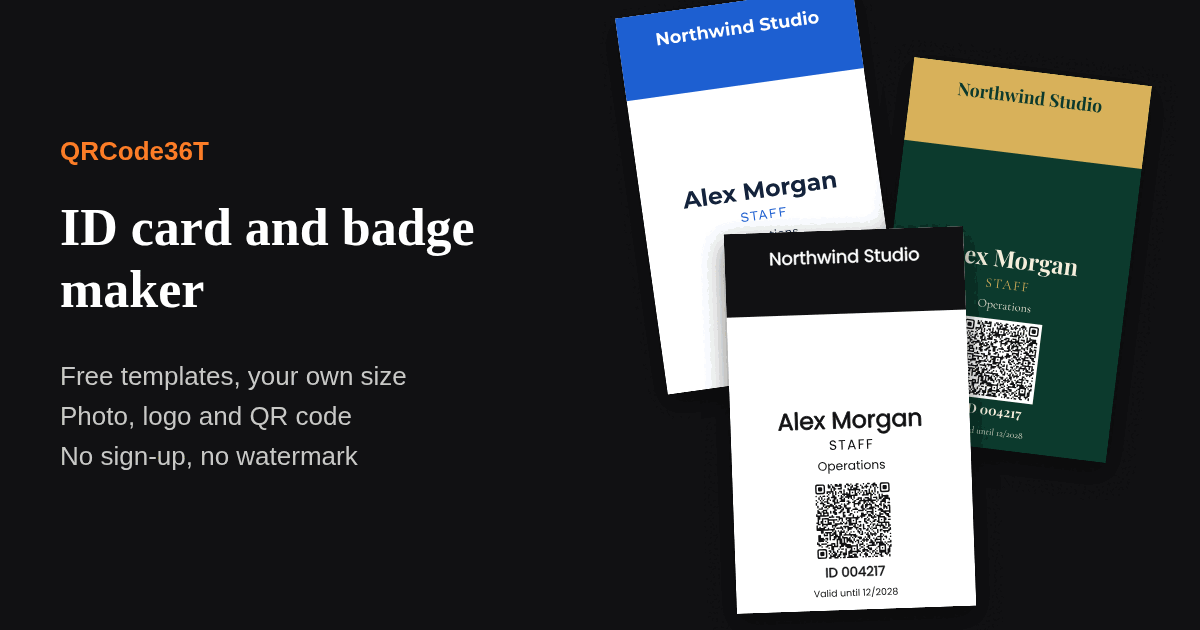
- Enter the organisation, name, role and number.
- Add the photo and choose what the QR code holds.
- Print a sheet, cut and laminate.
What people use it for
- Office and school badges
- Event staff and visitor badges
- Club membership cards
- Volunteer passes
Design tips
- CR80 (54 × 85.6 mm) is the bank-card size most holders take.
- Use a plain, front-facing photo.
- Do not print sensitive numbers such as national ID on a badge.
Badge types
| Option | Good for | Keep in mind |
|---|---|---|
| Upright | Lanyards | Large photo |
| Wide | Clips and wallets | More room for details |
| Name badge | Meetups | Name readable across a room |
Common card sizes
| Card | Size | Notes |
|---|---|---|
| Business card | 3.5 × 2 in or 85 × 55 mm | 90 × 50 mm in some countries |
| ID card (CR80) | 85.6 × 54 mm | Bank-card size |
| Invitation | 5 × 7 in, or A6 | Add 3 mm bleed for print shops |
| Gift voucher (DL) | 210 × 99 mm | Fits a long envelope |
| Phone story | 1080 × 1920 px | For messaging apps |
| Custom | 20 to 600 mm a side | mm, cm, inches or pixels |
Your privacy
QRCode36T builds your card inside your browser. Names, phone numbers, addresses and photos are not uploaded; we count visits with Google Analytics and record which card type, template and file format were used. Privacy details.
Frequently asked questions
Can I make many badges?
Change the details and photo and download again. The sheet option prints copies of one badge.
Are the photos uploaded?
No. They never leave your device.
Can I use this as an official government ID?
No. These are for your own organisation and events; do not copy official documents.
What can the QR code hold?
Contact details, a link, an ID number or any text.
More free tools
- QR code generator
- Wi-Fi QR code
- QR code with logo
- QR code with text
- vCard QR code
- WhatsApp QR code
- URL QR code
- Email QR code
- SMS QR code
- Location QR code
- Calendar event QR code
- Payment QR code
- Restaurant menu QR code
- Social media QR code
- Animated QR code
- QR code for print
- Bulk QR code generator
- QR code scanner
- Card maker
- Business card maker
- Wedding invitation maker
- Invitation card maker
- Birthday card maker
- Eid card maker
- Greeting card maker
- Gift voucher maker