
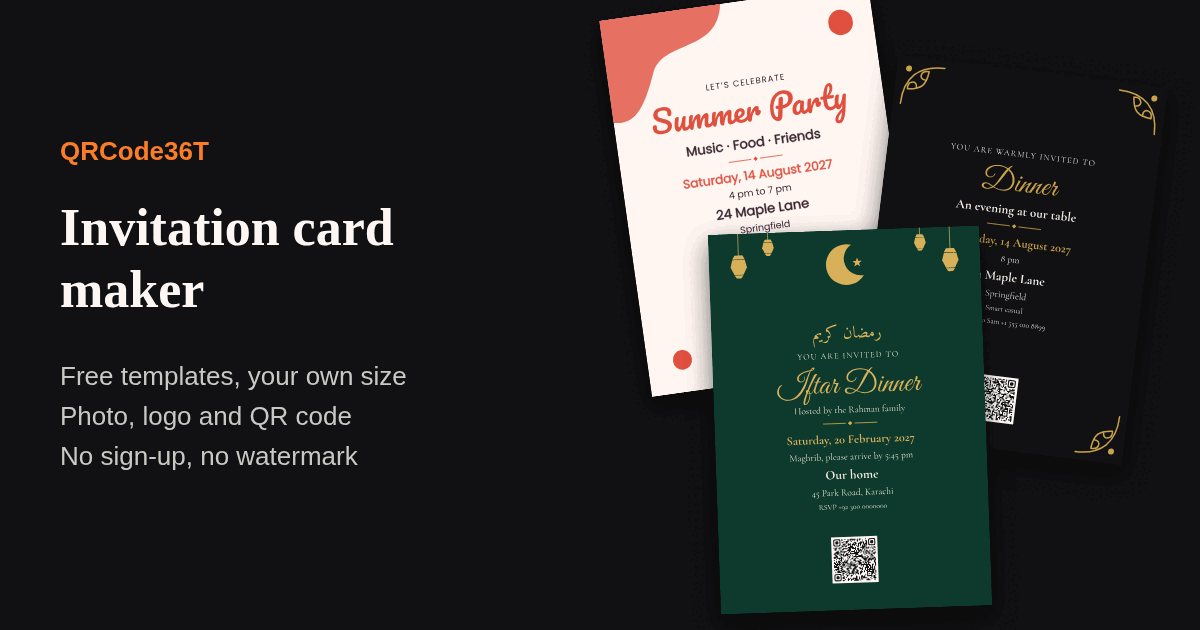
How to make it
- Choose the kind of invitation.
- Pick a design and fill in the date, time and place.
- Change colors, fonts and decorations as you like.
- Download and send, or print several per sheet.
What people use it for
- Housewarming and dinner invitations
- Baby showers and graduation parties
- Iftar gatherings
- Grand openings, seminars and sales
Design tips
- Say what, when and where in the first glance.
- Add a reply number and a reply-by date.
- A6 or 5 × 7 inches suit most printed invitations.
Invitation sizes
| Option | Good for | Keep in mind |
|---|---|---|
| 5 × 7 in | The classic invitation | Fits common envelopes |
| A6 | Small and cheap to print | Four fit on A4 |
| 9:16 story | Phones and messaging apps | Screen only |
Common card sizes
| Card | Size | Notes |
|---|---|---|
| Business card | 3.5 × 2 in or 85 × 55 mm | 90 × 50 mm in some countries |
| ID card (CR80) | 85.6 × 54 mm | Bank-card size |
| Invitation | 5 × 7 in, or A6 | Add 3 mm bleed for print shops |
| Gift voucher (DL) | 210 × 99 mm | Fits a long envelope |
| Phone story | 1080 × 1920 px | For messaging apps |
| Custom | 20 to 600 mm a side | mm, cm, inches or pixels |
Your privacy
QRCode36T builds your card inside your browser. Names, phone numbers, addresses and photos are not uploaded; we count visits with Google Analytics and record which card type, template and file format were used. Privacy details.
Frequently asked questions
Can guests get directions from the card?
Yes. The map QR code opens your venue in their maps app.
Can I use my own background?
Yes. In Size & style choose a background picture.
Can I move the text?
Yes. Drag any part. For stacked text, use “Move lines freely” first.
Is it free for business events?
Yes.
More free tools
- QR code generator
- Wi-Fi QR code
- QR code with logo
- QR code with text
- vCard QR code
- WhatsApp QR code
- URL QR code
- Email QR code
- SMS QR code
- Location QR code
- Calendar event QR code
- Payment QR code
- Restaurant menu QR code
- Social media QR code
- Animated QR code
- QR code for print
- Bulk QR code generator
- QR code scanner
- Card maker
- Business card maker
- Wedding invitation maker
- Birthday card maker
- Eid card maker
- Greeting card maker
- ID card maker
- Gift voucher maker